HelpLast updated 25 September 2026
Install the Android beta
The Android beta is available through a closed Google Play test. Your Google account must be added to the tester list before you can install it. Use your existing Superhive account to keep your tasks and goals.
Before you start
- An Android phone with Google Play.
- The Google account you use in the Play Store must be on our tester list. Send that email address to hello@superhive.app and wait for confirmation. Never send your password.
Join and install
- Open this link on your Android phone, signed in with the Google account we added.
- Tap Become a tester. If you already see “You are a tester”, you have joined.
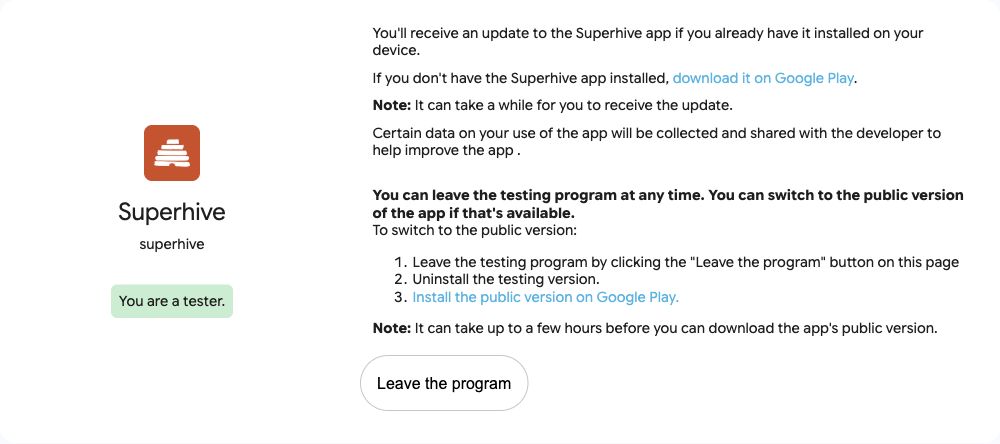
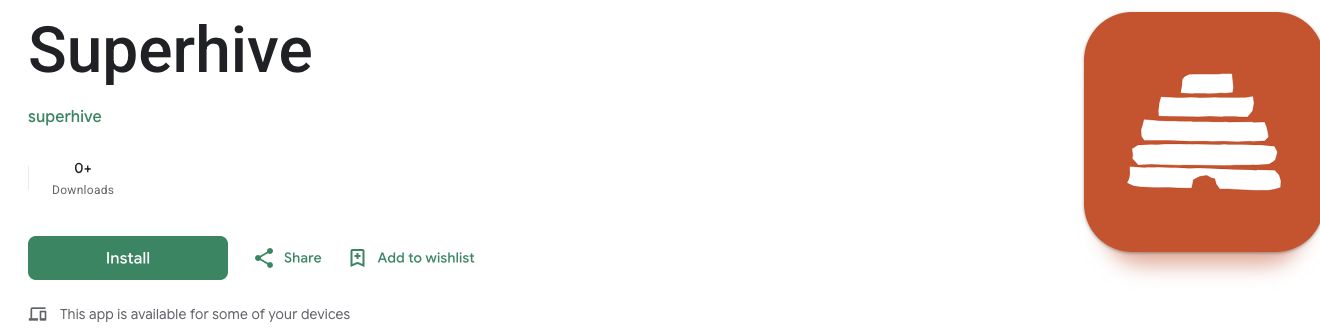
- Follow “download it on Google Play”, then tap Install. The screenshots show the browser version; the layout on your phone may differ.
- Open Superhive and sign in, or create an account. Your Google Play account controls access to the beta; your Superhive account holds your tasks and goals.
If you cannot install
- App not available: check the Google account in both your browser and the Play Store. It must match the email we added.
- Not on the list yet? Email hello@superhive.app with your Google Play email and ask to join the Android beta. Sharing the link alone does not grant access.
- Recently added? Google may take some time to make the test available. Try the invitation link again later.
- The app may not appear in Play Store search during the closed test. Use the invitation link above.
Updates and feedback
Get updates from Google Play. Try tasks, the calendar and goals, and send screenshots of any issues to hello@superhive.app, with your phone model and what you were doing. Avoid including private information.
If you are helping with our launch test, stay enrolled for at least 14 consecutive days and use the app during that time. Adding an email to the list does not start participation; accepting the invitation does.
Leave the beta
Open the invitation link again and choose Leave the program. This leaves the Google Play test; it does not delete your Superhive account.